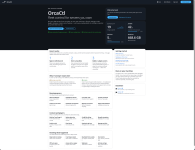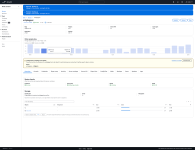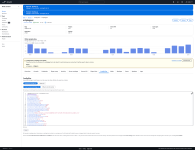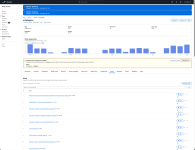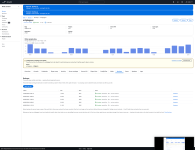


OrcaCtl: Asa Fleet Control : your hardware, your worlds, one control plane

Vasile Jianu

New member
orca-logo-dark-1024.png

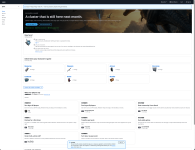
OrcaCtl manages ARK: Survival Ascended servers on hardware you own. You bring a machine — a VPS, a dedicated box,
something in a cupboard — and it runs your servers there. We run the panel; you keep the hardware, the saves and the
worlds. Nothing rented by the slot, nothing for you to install and keep patched.

How it reaches your machine

One command you run yourself installs a small agent. It only ever calls out. We hold no SSH key and nothing of ours can
open a connection into your box — which also means your servers keep running when we don't. Linux and Windows both.

The idea it's built on

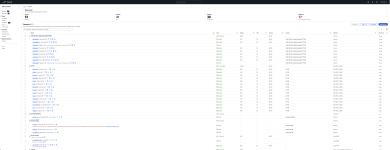
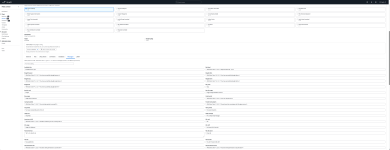
Every server carries two separate accounts of itself: what you asked for, and what your machine last saw. They disagree
all the time, and that disagreement is the useful part — a server that should be running and isn't is exactly the
thing worth knowing about. Most panels collapse those into one field and hide it.

"Running" isn't good enough either. A crash-looping container reports running forever, so readiness comes from the game
answering its own query API — and separately, from outside, whether players can actually find your server. A broken
port forward looks perfectly healthy from the inside.

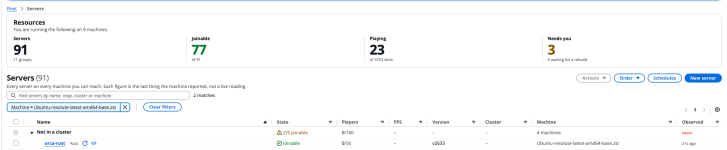
Servers

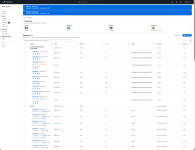
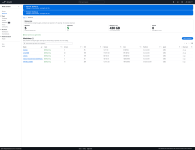
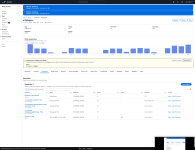
- Deploy a new server in a few clicks, or adopt ones you already have — point it at a host with servers running and it
takes them over where they stand. No rebuild, no downtime, no reinstall, nothing moved.
- Start, stop and restart with a clean shutdown over RCON, so the world is saved properly. docker stop corrupts saves;
nothing here uses it unless the game is already gone.
- Rename a server and its folder and its backups follow. Move it to another drive — copied, verified, and the original
kept until it's proved it starts from the new one.
- Crash loops are detected and named, rather than showing as a server that's up.

Settings, config and mods

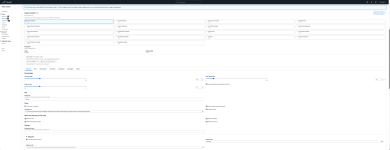
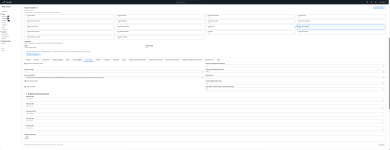
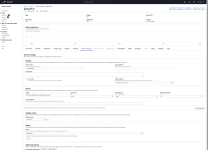
- Ports, map, player cap, passwords and launch options — saved when you type them, applied when you ask, because
applying means taking the server away from whoever's on it.
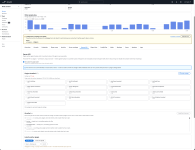
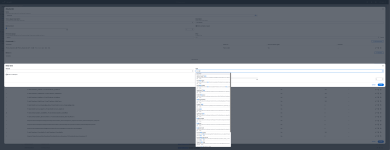
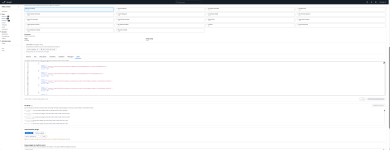
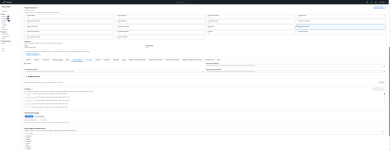
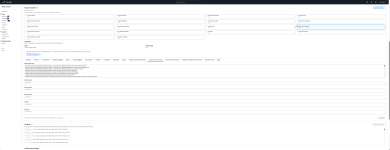
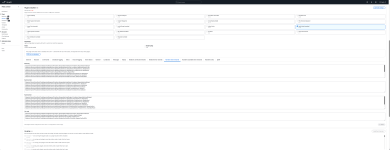
- GameUserSettings.ini and Game.ini, with what you want and what the machine actually has shown side by side. ARK
rewrites its config on every shutdown, so those two are rarely identical — comparing them is how you see what the
game did to your settings.
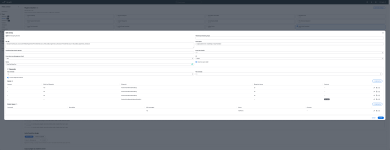
- Templates — save a set of rates and rules and apply them across servers. Schedule one to stand in front of a server
for a weekend event and lapse by itself afterwards.
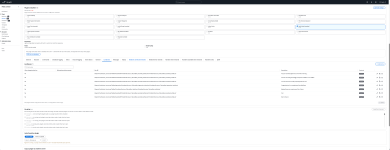
- Mods with real load order, searched live against CurseForge, copyable to your other servers in one go.

Clusters

Same host or across hosts. Cross-host clustering sets up replication of the transfer directory for you — you tick a
server into a cluster and everything else follows. Proven with real character transfers between two machines, including
the part nobody tests: the upload being consumed on arrival so it can't be taken twice.

Backups and saves

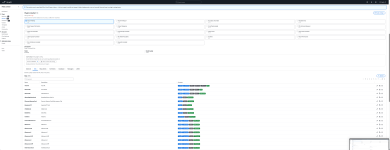
- Backups without stopping the server — the world is saved over RCON and copied live, which is what makes them cheap
enough to take often.
- Retention by count and size, applied on your machine.
- Copies pushed off-host to your own object storage, by a link that lets your machine upload one file. Your credentials
never leave the panel and your data never passes through us.
- Restore stops the server, takes a copy of what it's about to replace first, and moves the existing saves aside rather
than extracting over them.
- ARK's own dated saves are listed too, restorable one file at a time.

Scheduling

Restarts, shutdowns, starts, updates, backups, RCON commands, and applying whatever config changes are waiting —
one-off, on chosen days, or on an interval. Players get an in-game countdown first.

A scheduled update checks Steam before it acts, so a nightly one doesn't take a fleet down to fetch nothing. Automatic
updates are opt-in per server, never fleet-wide by surprise.

Players

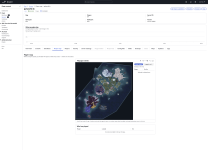
- A live map of where people are standing, drawn from a plugin inside the game.
- Play history — one row per visit — and where somebody has been, sampled a point a minute.
- Message or kick somebody straight from their marker.
- Admin, ban and exclusive-join lists, managed as lists of accounts rather than files you SSH in to edit.

Access

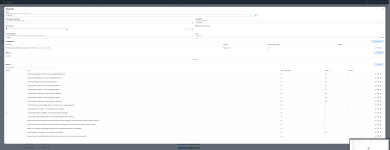
Give somebody exactly what they need on exactly the servers you choose. Presets to start from — viewer, operator,
moderator, manager, admin — then adjust. Grants can expire by themselves. Someone leaving is one action, not one per
server.

Kicking and messaging is deliberately separate from the console, because the console can do everything the game can,
including spawning things and granting admin.

Plugins

Server API support is built in: turn the loader on and it's installed, plugins install from a release URL, their
configs are editable, and a MariaDB database is provisioned per plugin with credentials written straight into its
config. The loader's own log is one click, which matters more than it sounds — when a plugin can't reach its database
the loader stops before the game starts, and that log is the only thing that says so.

An API for all of it

Everything the interface can do, 63 endpoints, documented with real request and response bodies rather than invented
examples. Personal access tokens carrying exactly your own permissions. Script your fleet, wire it into whatever you
already run.

Also

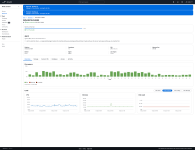
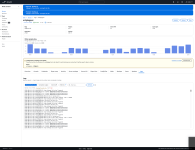
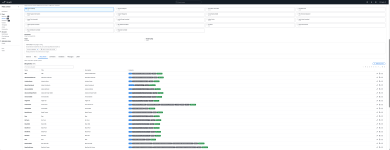
Logs (game, container, plugin loader) fetched on demand · full RCON console · CPU, memory and per-drive readings from
every host · Discord and webhook notifications for the things that matter · agents that update themselves in waves, so
a bad build stops at the first machine.

Where it honestly is

Small, and running a real fleet every day. Every feature above has been proved against real hardware rather than a test
suite alone — but it isn't battle-tested at scale, and I'd rather hear about it breaking now than pretend otherwise.

Finds out at https://orcactl.io

Docs: https://orcactl.io/docs · API: https://orcactl.io/docs/api · Discord: https://discord.gg/dBQeVagKhu

Ah and its FREE ;)
 

Every server gets a shop


Your fleet now has a public face. A storefront on your own subdomain where players sign in, buy things with your currency, and receive them in game — plus the console to run all of it. The newest piece pays them for voting.

  • 2,307 ARK item icons, served privately
  • 5 ways to deliver a purchase
  • 8 shop categories
  • 10 minutes from vote to reward


A site, not a Discord channel with prices in it


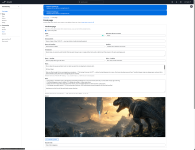
Every community answers on its own hostname — apex.orcactl.io — with a front page you arrange yourself. Six bands, in whatever order you put them: a hero, your live server list, a taste of the shop, who you are, the rules, and your Discord. Drop the ones you don't want.

The server list isn't something you maintain. It's the same readings your dashboard shows: map, player count, whether it's joinable right now, and the mod list — the question your Discord gets asked more than any other, answered before anyone has to ask it.

Rules & About each get their own address, so you can link straight to your rules when someone argues about them. They stay front-page bands too if you want them there.

Signing in is Discord, using your own application or ours. Then /link in game to attach a character — no codes to copy, no expiry. Steam links on top of that, for voting.

Their page shows balance, character, tribe, everything they've bought and what happened to it, and every movement of their currency. When a delivery lands, the page updates itself while they're looking at it.


Sell anything the game can hand over


Items, cryopodded creatures, ranks, bundles — and now ArkShop points. Paste a blueprint path in any form you find it and it's tidied up on the way in; the editor shows only the fields that type actually uses, so nobody fills in a dino's level for a rank.

Categories: Resources, Weapons, Armour, Structures, Creatures, Ranks, Bundles, Other.

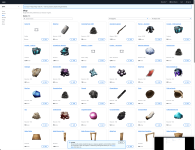
Items come with the game's own artwork. Just over two thousand icons, pulled from the DevKit and matched on blueprint, so a catalogue of two thousand things isn't two thousand grey boxes. Creatures show the cryopod they actually arrive in. Upload your own picture and it wins.

Money is a ledger, never a number that gets edited.

Every movement is a row — bought, spent, refunded, adjusted by hand, earned by voting — with the balance after it. The two are written together or not at all, so the books can't quietly stop adding up. Stripe handles the currency sales; you connect your own account and the money never passes through us.


It arrives, or you find out why


A purchase is offered to the server the buyer is standing on, under a lease, and the plugin says what came of it. Not two answers but three: delivered, failed, or unsure — because a server that took the line and then crashed knows only that it tried, and recording that as either is how somebody gets charged for nothing or handed a second copy.

  • Partial deliveries are their own state. Sixty of a stack of a hundred leaves forty outstanding, and the next poll offers forty.
  • Fourteen reasons, in words you can act on. Not "failed" — the game could not read that blueprint path, or no group by that name on the server.
  • A line stays with the server that tried it. The plugin's duplicate protection is per server, so a delivery that completed with a lost confirmation must never be re-offered to a different map. On a cluster, that's the difference between one payout and two.
  • Offer it again reissues under a fresh id, so the button means the same thing on a two-day-old order and a two-month-old one.


Voting rewards


Register your listings on ark-servers.net and Orca reads the votes every ten minutes, pays the voter, and marks them claimed. Pay in your own currency or in ArkShop points delivered in game — your choice, per community, with a daily cap if you want one.

Both accounts count. Voters identify themselves with Steam or Discord and most choose Steam — 69% across a real fleet we measured. So players link Steam alongside Discord, and anything they voted for before linking is paid the moment they do.

A public board. This month and last, on your site. People who haven't signed up still appear under the name they voted with, and one person is one row however many ways they voted.

Dead keys are visible. A revoked API key and a quiet week look identical, so the listings table leads with when each last returned anything. At fifteen listings that's the only way to notice one has stopped.

A vote is paid for exactly once — and not because the list says so.

The lists cache their vote feed for three minutes and stop accepting claims 24 hours after a vote is cast, so their own "claimed" flag goes stale and never recovers. Anything trusting it pays twice inside the cache window and forever afterwards. Orca keeps its own record instead, on a key checked against 135 real votes across fifteen live listings before it was written down.


The console


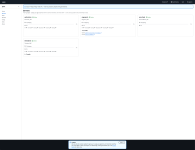
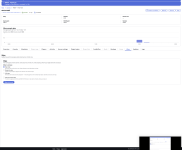
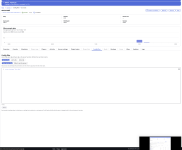
Seven sections, in the same shape as the rest of the fleet — the same tables, the same tab strip, the same full width.

  • Front page — arrange the bands, write the copy, pick which servers are listed.
  • Shop — the catalogue, with a blueprint reference to search and the game's icon previewed before you save rather than after.
  • Orders — every line and its state. Retry one, write it off as handed over by hand, or refund it back to their balance.
  • Members — who's linked, what they hold, and their whole ledger. Adjust a balance and it's recorded as an adjustment, with your name on it.
  • Selling — connect Stripe, price your currency packs, see what's sold.
  • Voting — listings and payout on one screen, because they're one decision.
  • Discord — your own application, so players see your name on the sign-in screen instead of ours.


The unglamorous half


Details that only show up when something breaks.

  • Artwork is served, never published. The icons are Studio Wildcard's. They sit on a private disk with no directory to walk and no filename to guess — the only way to reach one is to name an item in a shop that's open.
  • An unpublished shop is a 404 to everyone but you, including its pictures.
  • Steam linking verifies with Steam. The callback is a plain link with an account id in it; anyone can type one. The check back to Steam is what stops somebody claiming a stranger's votes, and it's the step most implementations skip.
  • Terms, privacy and legal notice are served on your hostname, not ours. A player buying from you is contracting with you, and sending them elsewhere mid-purchase breaks the thing they're in the middle of.
  • Your visitors' cookie choices are yours. A preference given to one shop isn't a preference given to the platform.


Everything above is live. Open Community in the console to claim your address; the front page is the only section that works before you do.
 
Back
Top