

Vasile Jianu
Member

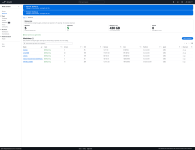
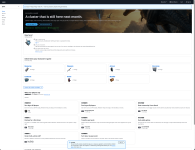
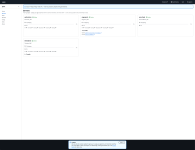
OrcaCtl manages ARK: Survival Ascended servers on hardware you own. You bring a machine — a VPS, a dedicated box,
something in a cupboard — and it runs your servers there. We run the panel; you keep the hardware, the saves and the
worlds. Nothing rented by the slot, nothing for you to install and keep patched.
How it reaches your machine
One command you run yourself installs a small agent. It only ever calls out. We hold no SSH key and nothing of ours can
open a connection into your box — which also means your servers keep running when we don't. Linux and Windows both.
The idea it's built on
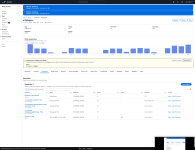
Every server carries two separate accounts of itself: what you asked for, and what your machine last saw. They disagree
all the time, and that disagreement is the useful part — a server that should be running and isn't is exactly the
thing worth knowing about. Most panels collapse those into one field and hide it.
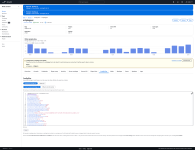
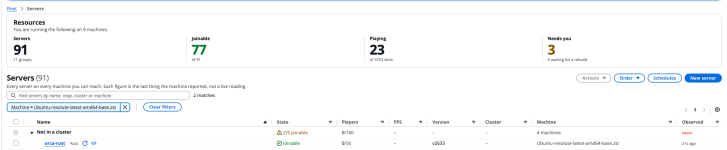
"Running" isn't good enough either. A crash-looping container reports running forever, so readiness comes from the game
answering its own query API — and separately, from outside, whether players can actually find your server. A broken
port forward looks perfectly healthy from the inside.
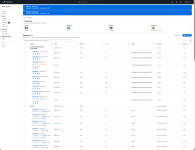
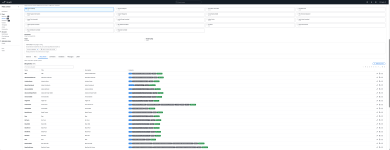
Servers
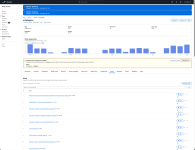
- Deploy a new server in a few clicks, or adopt ones you already have — point it at a host with servers running and it
takes them over where they stand. No rebuild, no downtime, no reinstall, nothing moved.
- Start, stop and restart with a clean shutdown over RCON, so the world is saved properly. docker stop corrupts saves;
nothing here uses it unless the game is already gone.
- Rename a server and its folder and its backups follow. Move it to another drive — copied, verified, and the original
kept until it's proved it starts from the new one.
- Crash loops are detected and named, rather than showing as a server that's up.
Settings, config and mods
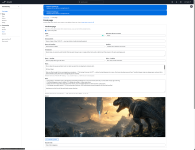
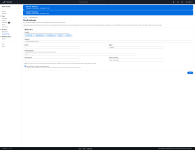
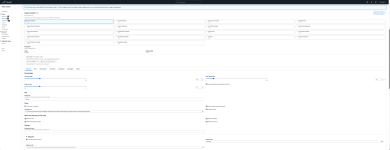
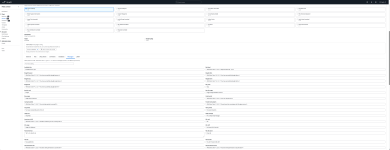
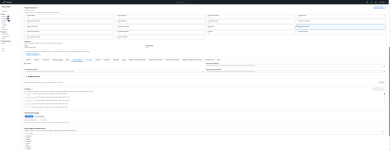
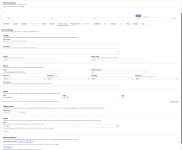
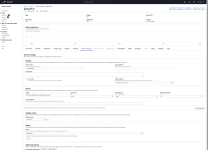
- Ports, map, player cap, passwords and launch options — saved when you type them, applied when you ask, because
applying means taking the server away from whoever's on it.
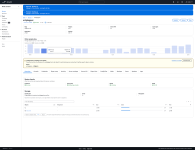
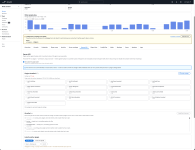
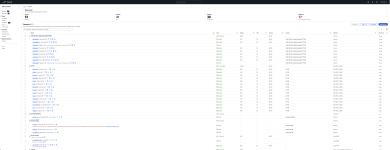
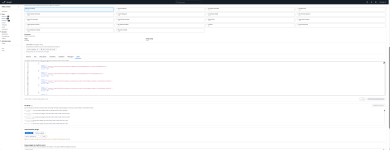
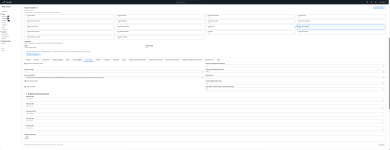
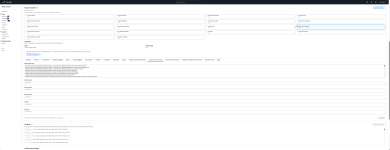
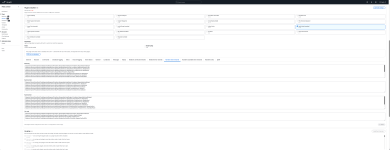
- GameUserSettings.ini and Game.ini, with what you want and what the machine actually has shown side by side. ARK
rewrites its config on every shutdown, so those two are rarely identical — comparing them is how you see what the
game did to your settings.
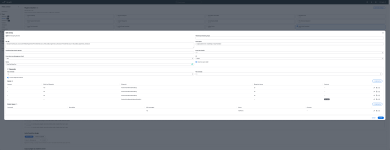
- Templates — save a set of rates and rules and apply them across servers. Schedule one to stand in front of a server
for a weekend event and lapse by itself afterwards.
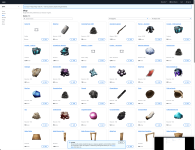
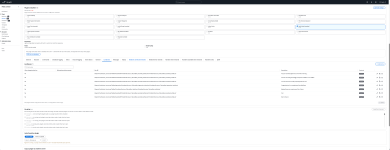
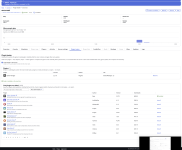
- Mods with real load order, searched live against CurseForge, copyable to your other servers in one go.
Clusters
Same host or across hosts. Cross-host clustering sets up replication of the transfer directory for you — you tick a
server into a cluster and everything else follows. Proven with real character transfers between two machines, including
the part nobody tests: the upload being consumed on arrival so it can't be taken twice.
Backups and saves
- Backups without stopping the server — the world is saved over RCON and copied live, which is what makes them cheap
enough to take often.
- Retention by count and size, applied on your machine.
- Copies pushed off-host to your own object storage, by a link that lets your machine upload one file. Your credentials
never leave the panel and your data never passes through us.
- Restore stops the server, takes a copy of what it's about to replace first, and moves the existing saves aside rather
than extracting over them.
- ARK's own dated saves are listed too, restorable one file at a time.
Scheduling
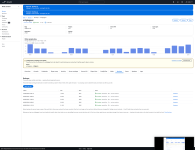
Restarts, shutdowns, starts, updates, backups, RCON commands, and applying whatever config changes are waiting —
one-off, on chosen days, or on an interval. Players get an in-game countdown first.
A scheduled update checks Steam before it acts, so a nightly one doesn't take a fleet down to fetch nothing. Automatic
updates are opt-in per server, never fleet-wide by surprise.
Players
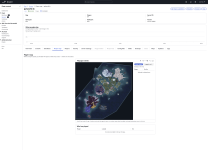
- A live map of where people are standing, drawn from a plugin inside the game.
- Play history — one row per visit — and where somebody has been, sampled a point a minute.
- Message or kick somebody straight from their marker.
- Admin, ban and exclusive-join lists, managed as lists of accounts rather than files you SSH in to edit.
Access
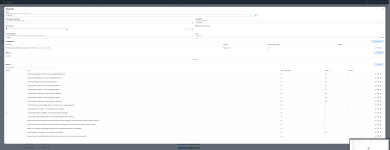
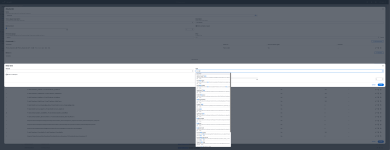
Give somebody exactly what they need on exactly the servers you choose. Presets to start from — viewer, operator,
moderator, manager, admin — then adjust. Grants can expire by themselves. Someone leaving is one action, not one per
server.
Kicking and messaging is deliberately separate from the console, because the console can do everything the game can,
including spawning things and granting admin.
Plugins
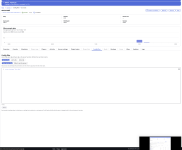
Server API support is built in: turn the loader on and it's installed, plugins install from a release URL, their
configs are editable, and a MariaDB database is provisioned per plugin with credentials written straight into its
config. The loader's own log is one click, which matters more than it sounds — when a plugin can't reach its database
the loader stops before the game starts, and that log is the only thing that says so.
An API for all of it
Everything the interface can do, 63 endpoints, documented with real request and response bodies rather than invented
examples. Personal access tokens carrying exactly your own permissions. Script your fleet, wire it into whatever you
already run.
Also
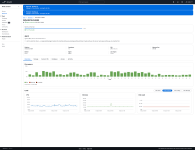
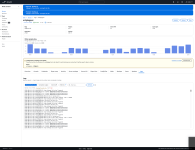
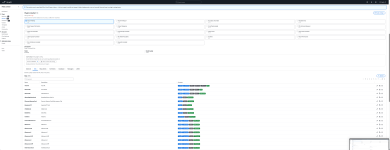
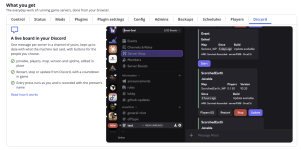
Logs (game, container, plugin loader) fetched on demand · full RCON console · CPU, memory and per-drive readings from
every host · Discord and webhook notifications for the things that matter · agents that update themselves in waves, so
a bad build stops at the first machine.
Where it honestly is
Small, and running a real fleet every day. Every feature above has been proved against real hardware rather than a test
suite alone — but it isn't battle-tested at scale, and I'd rather hear about it breaking now than pretend otherwise.
Finds out at https://orcactl.io
Docs: https://orcactl.io/docs · API: https://orcactl.io/docs/api · Discord: https://discord.gg/dBQeVagKhu
Ah and its FREE